
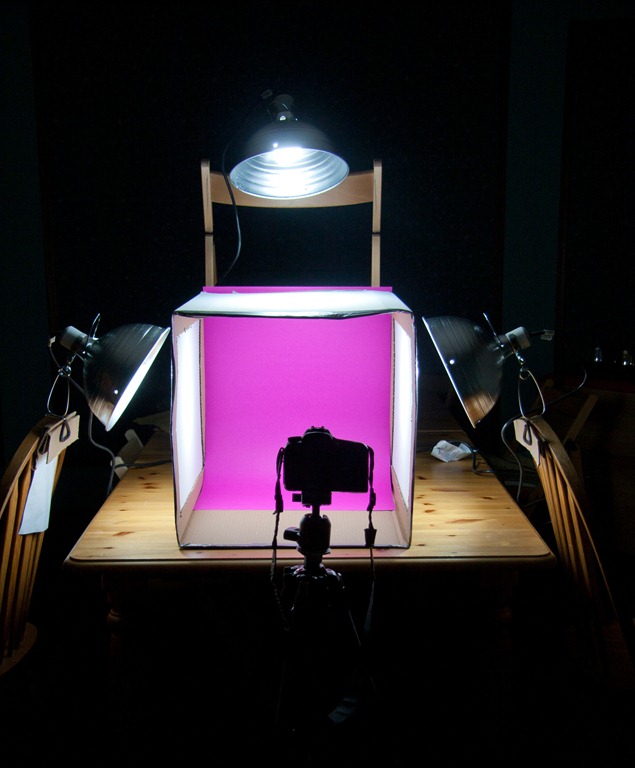
Last week, we built a light box!
Ok, I’ll be honest. Eric built the light box and I took the step by step pictures…
Light boxes have been all over the food blog world and while I loved the idea of them, I could never see myself building and storing one in the house. I get really intimidated by ‘do-it-yourself’ projects that involve anything outside of my domain (the kitchen).
This is where my DIY husband comes into play.
Eric and I started talking about light boxes one night, after looking at Ashley’s tutorial, and Eric convinced me that he could make one for me in under 2 hours. It was almost a dare. To himself.
I think he was secretly looking for a project that did not involve installing new door handles, but that is another story. I’m not a girl to pass up an offer, so off we were to Home Depot to gather a few supplies!
However, I feared that bad, bad things were looming ahead. [Never admit this out loud to your DIY husband.]
What You’ll Need:
- A large cardboard box (medium might work too if you need it smaller!)
- Duct Tape
- White tissue paper or white fabric (we used a tablecloth cut up)
- X-Acto knife (I laughed SO hard when I found out how to spell this word!!)
- 3 Daylight bulbs — 100 watt
- 3 utility lamps w/ clamp bottoms (we used 10 inch)
- Fabric or paper for backdrop
- 3-outlet extension cord
- SKETCHIE! (for your entertainment)
- Possibly other things I’m forgetting
Using this awesome how-to from Ashley, we gathered our supplies and were on our way!
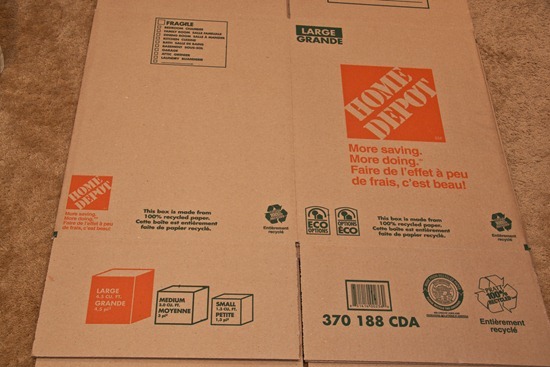
Grab a large box.
Buy a large box if all your boxes are beat up from a recent move.
Wheeeee. Now I know why Sketchie loves these things…
Secure bottom with duct tape.
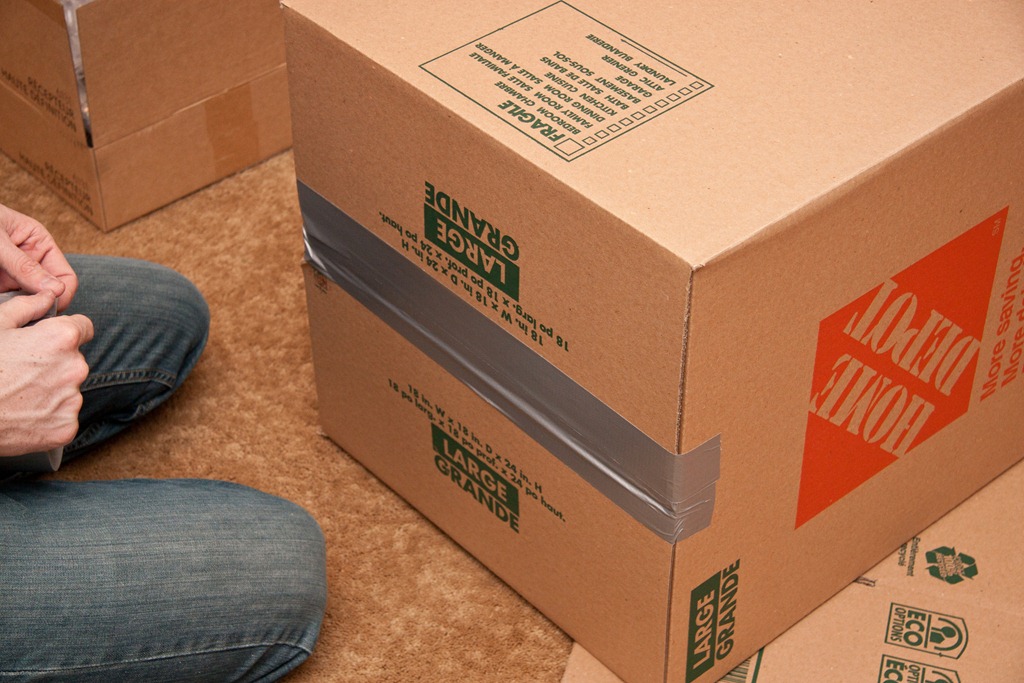
Tempt kitty cat with box until he cannot take it any longer.
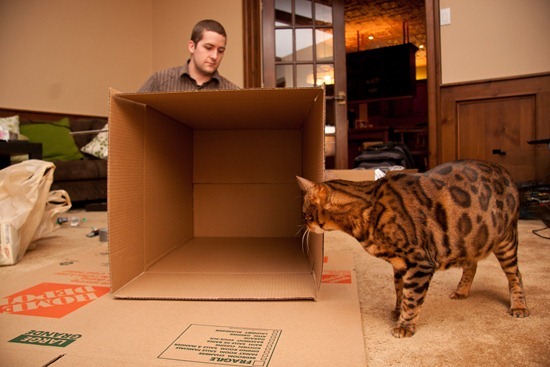
Sketchie STAY.
Sketchie SIT.
Add a ruler to the mix and watch kitty cat swat ruler.
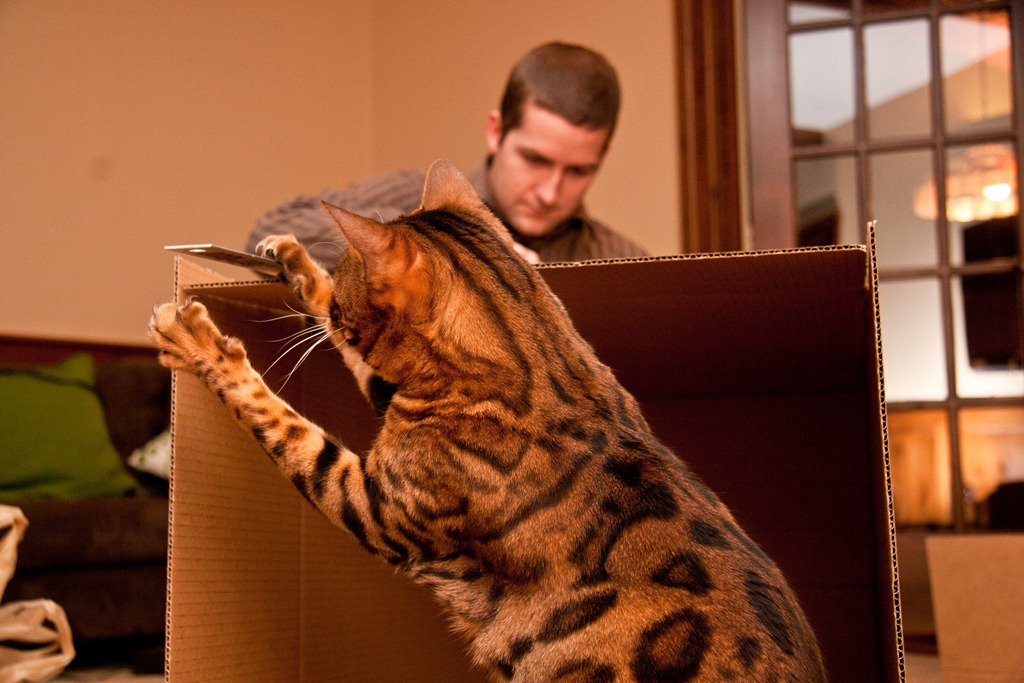
BAD KITTY.
When kitty cat can no longer resist, watch him enter the box and sniff corner when you aren’t ‘looking’.
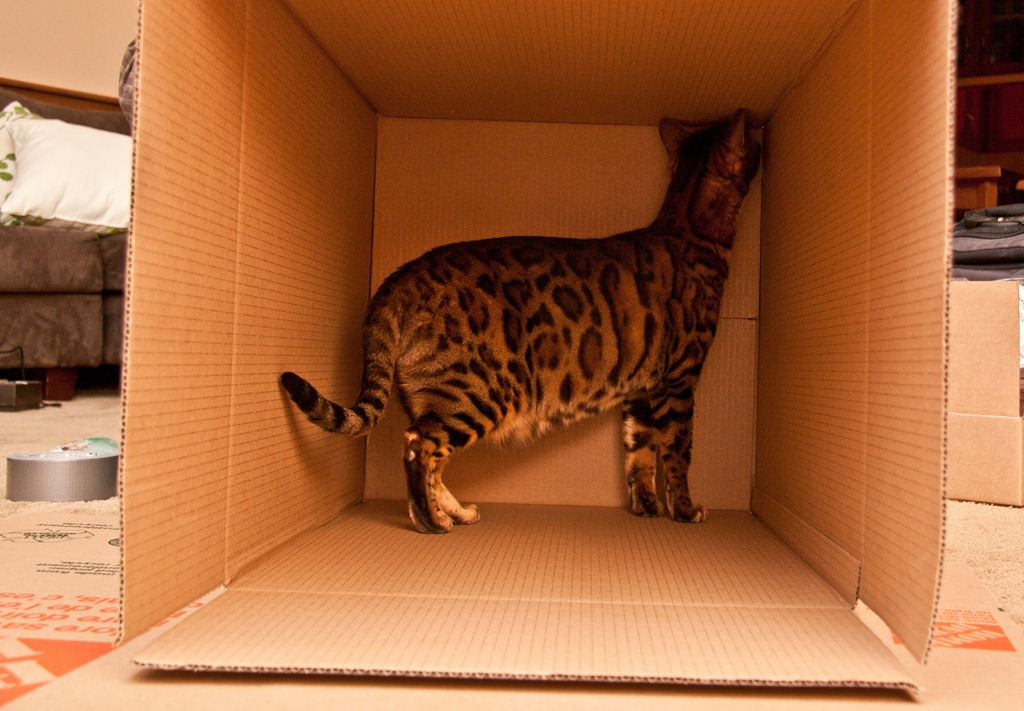
What is he smelling? Or is he spying on Eric through the hole?
Now, is the least fun part of the entire process (to watch). Eric tells me it is also the least fun part to do…
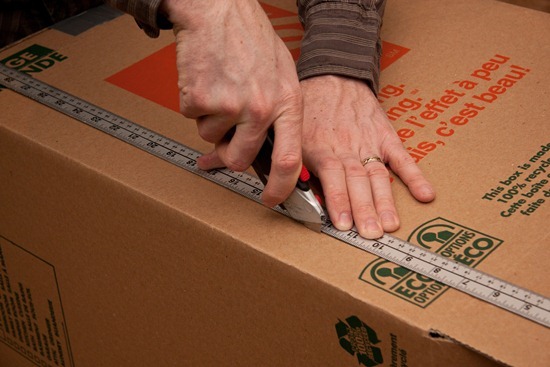
You must measure and cut the edges of 3 sides of the box to create 3 rectangles. (Sorry that just made no sense at all). Cut 3 rectangles (better?).
Eric left a 2 inch border.
Allow kitty cat to inspect your work to assure quality control.
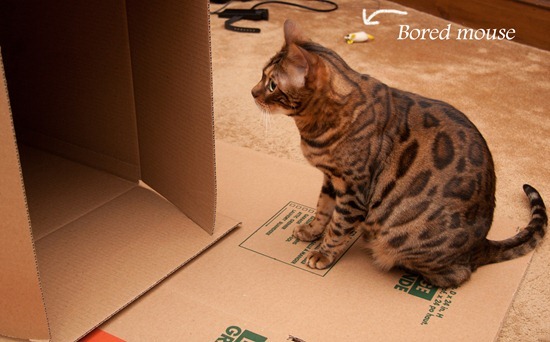
Keep going…(Sketchie is getting BORED…we’re losing him! Is he asleep standing up?)
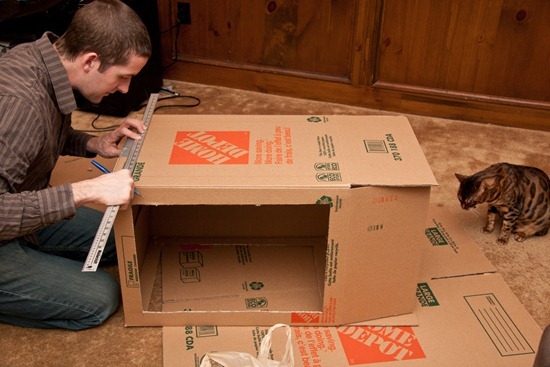
Sketchie says, ‘Unfortunately this does not look level. #fail’
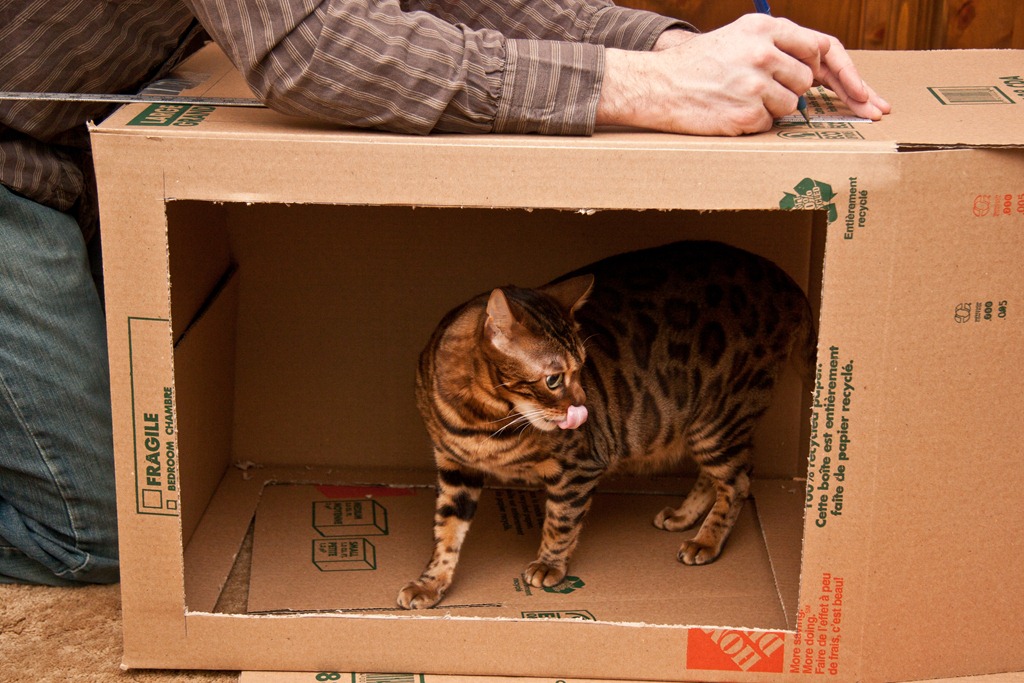
You now have 3 rectangles cut out- right side, top, and left side. Taped bottom remains intact (this is your background).
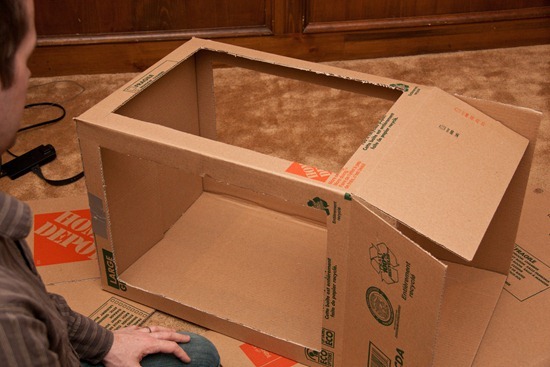
Sketchie does not enjoy boxes with holes. Can you see the heartbreak in his face?
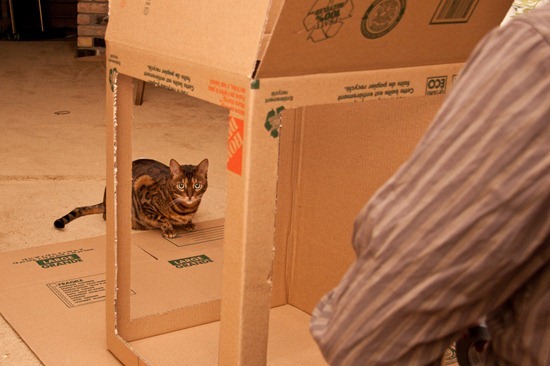
We win.
Cut off the box ‘flaps’…
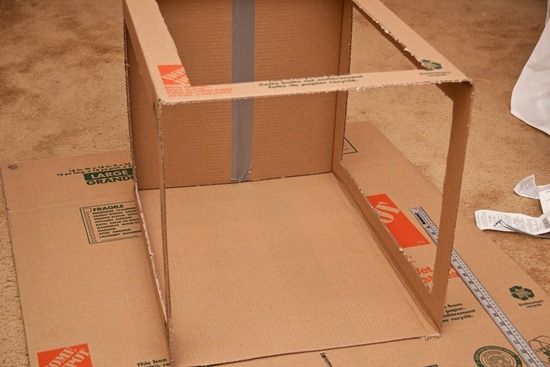
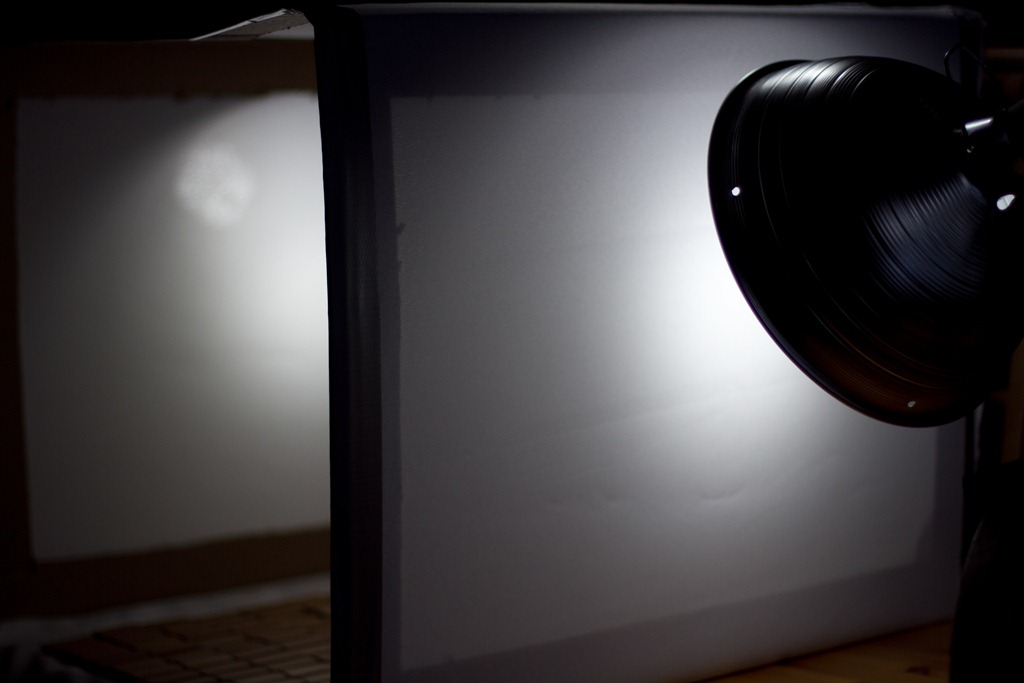
Grab something white to drape over the 3 rectangles. We used a white tablecloth, but I hear you can use tissue paper too. Whatever you use, make sure it will diffuse the light entering the box. This will prevent harsh shadows and direct light.
When the tablecloth came out, Sketchie started to have fun again!
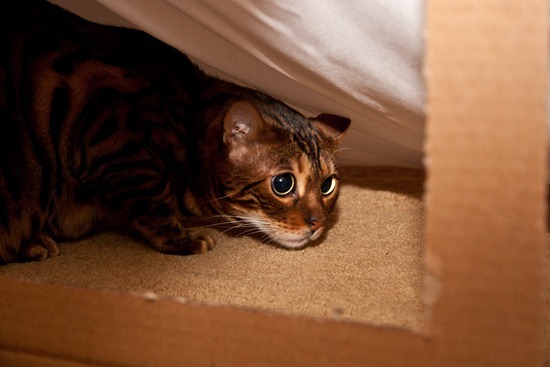
He loves to hide under things and jump out at us. (I’m not sure he knew that I could see him through the hole.)
Tape edges to secure.
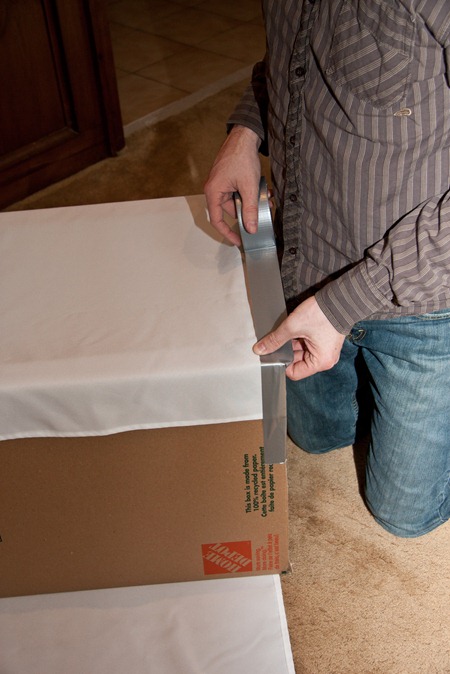
Oops, I cut off his head.
Eric is doing a great job!! Cheers, applause, make him a tea, massage his back.
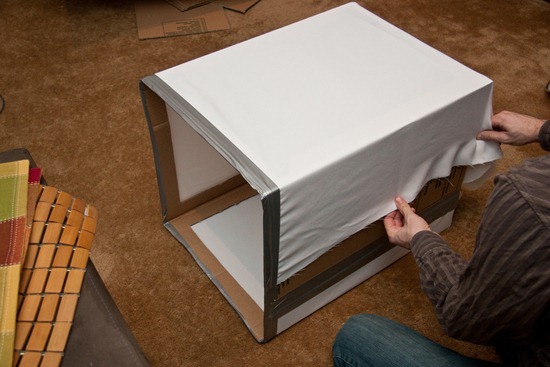
Almost there…
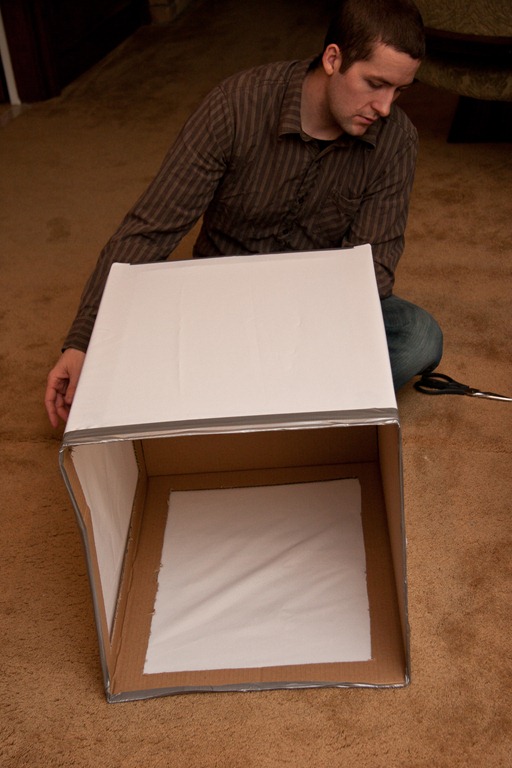
You can do it!
Eric cut a bit of fabric off the top rear of the box…if that makes any sense. Didn’t think so.
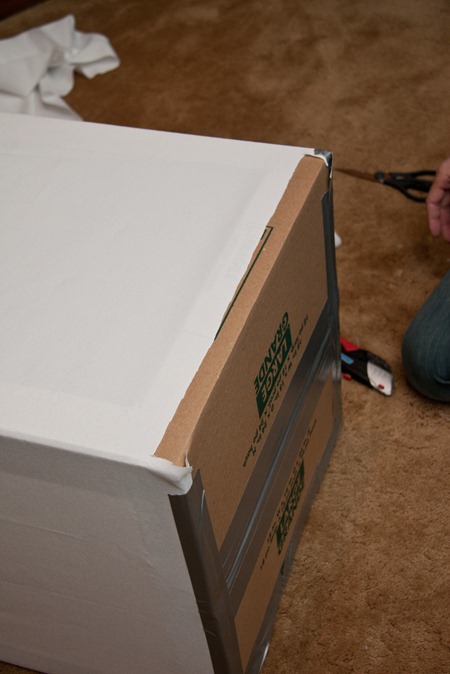
Then he cut a SLIT into the rear (are we still talking about a light box?) with the idea that we could ‘drop down’ different backgrounds into the slit.
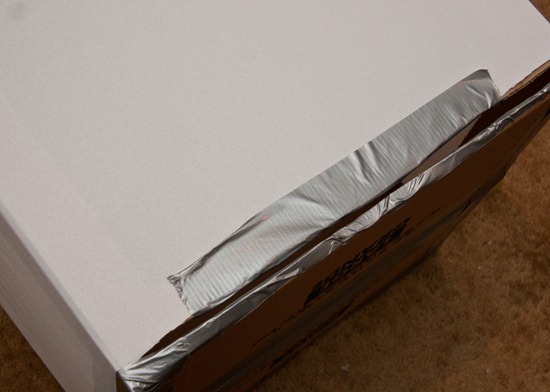
I really have no idea what I’m talking about at this point. Just go with it.
I dropped down some pink Bristol board through the slit to test it out. It worked pretty well.
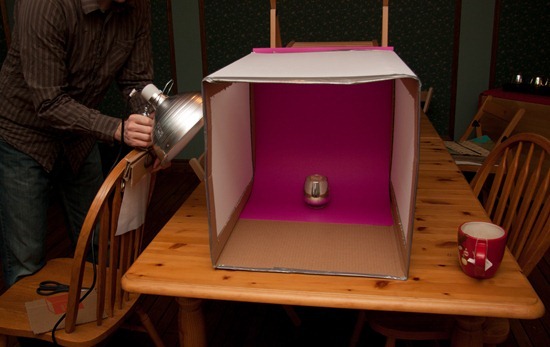
Eric attached 10 inch work lights to chairs…one for the right, one for the left, and one above. You need a total of 3 work lights with clamps. We bought ours at Home Depot for $20, but I assume you can find them cheaper elsewhere. I’m pretty sure we got ripped off! Impulse buy.
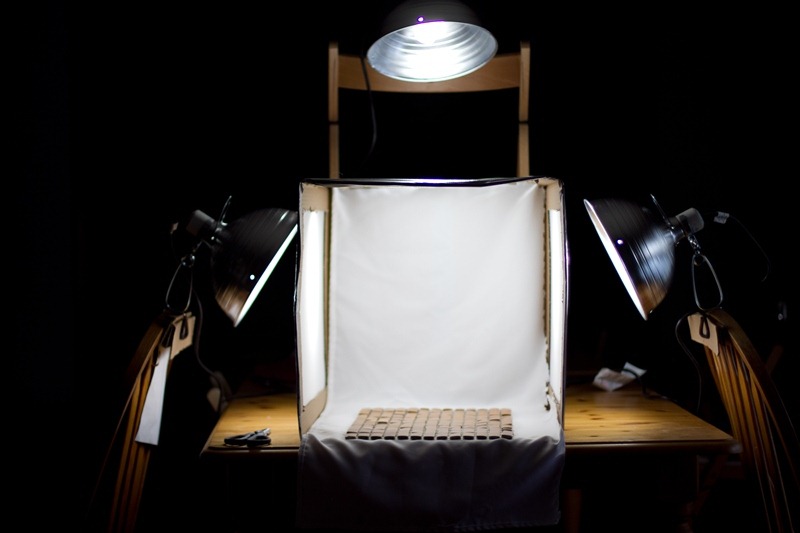
Thanks for the great tutorial Ashley!
Here are some of the first shots I took with the box…
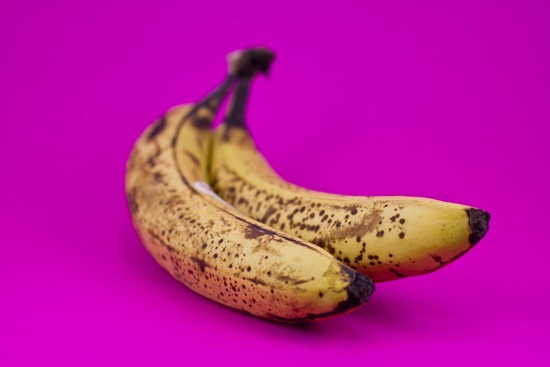
The pink background is a bit much, but this illustrates that light boxes are great for ‘product photography’; in other words, shots of single items that you want to stand out.

The next day, guess who I found sleeping in his warming hut? He tried to tell me he was on a tropical beach.
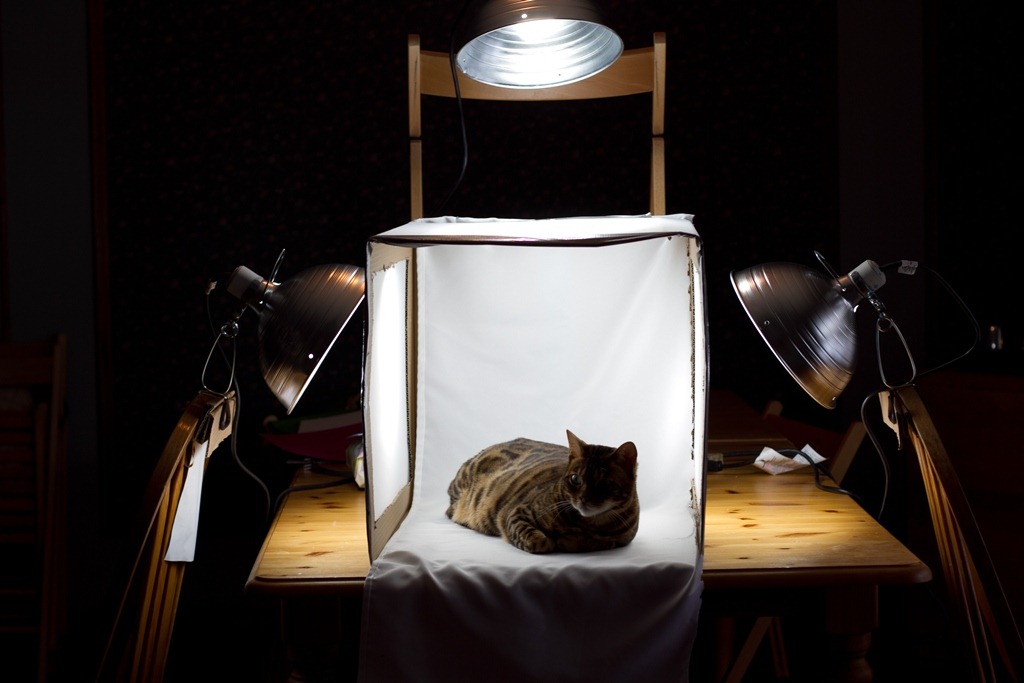
It actually worked out, because Sketchie got his very first ‘professional’ headshots!
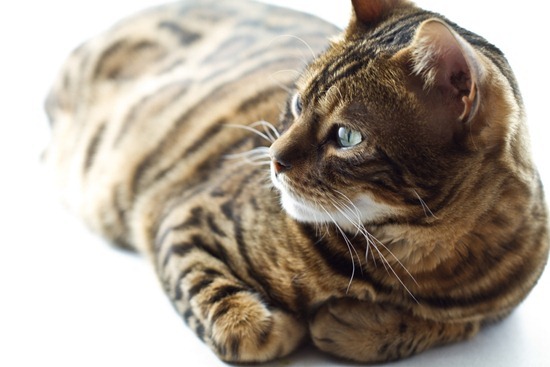
The heat from the lamps made him veeeeery sleepy.
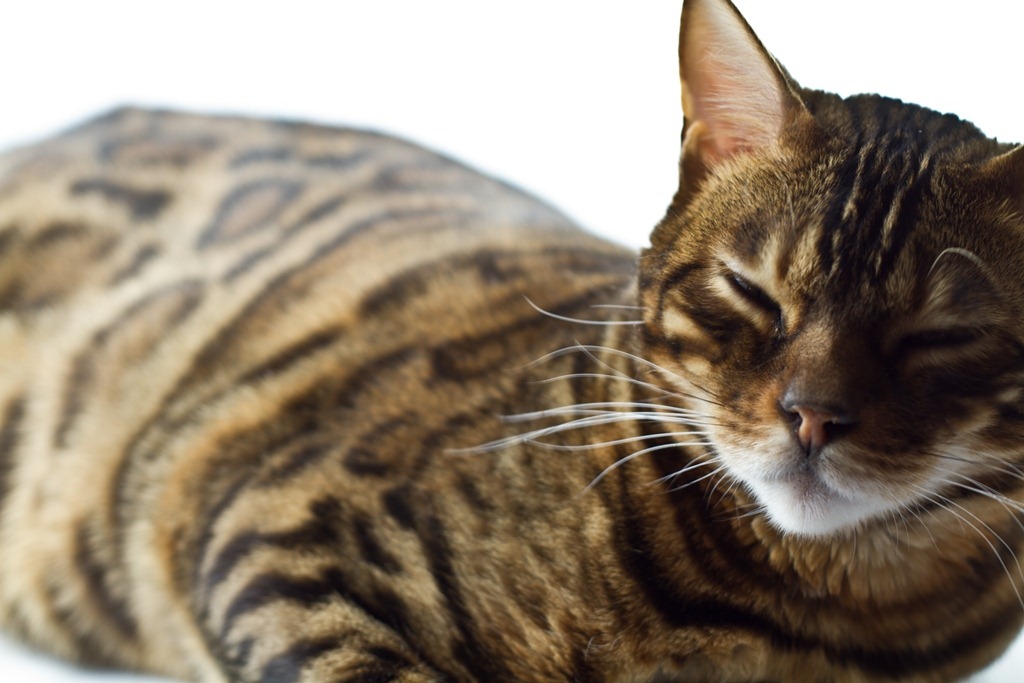
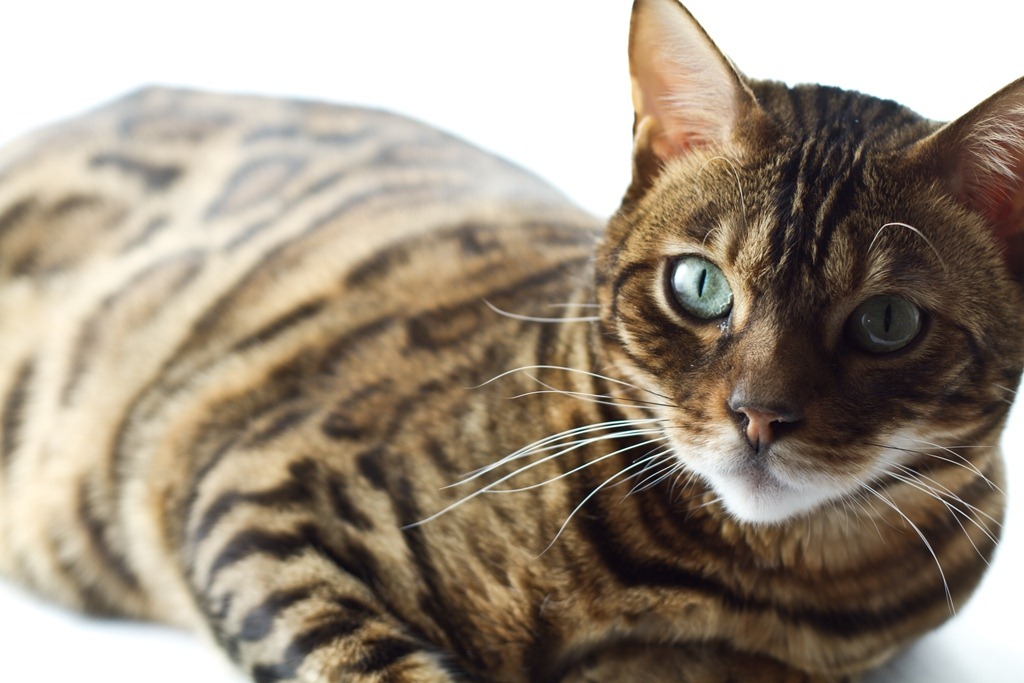
I’m a model, ya know what I mean. And I do my little turn on the cat walk…
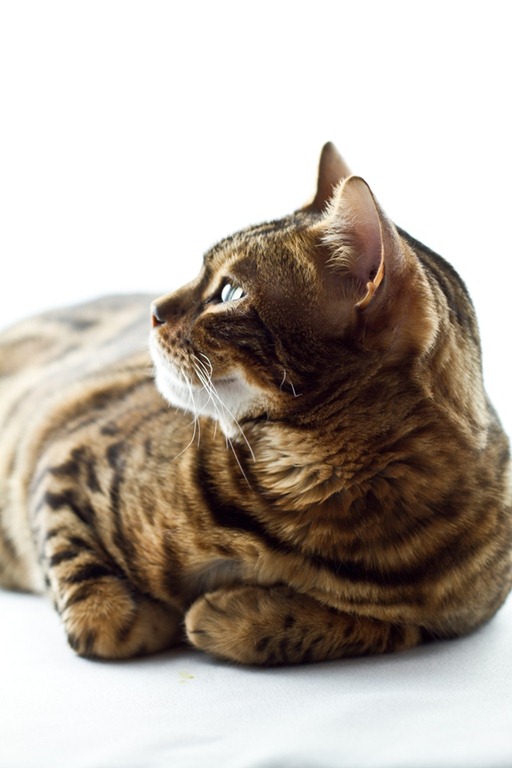
So, what do I think of the light box?
Well, first of all, I think Eric did a fantastic job! It is very professional and sturdy. He made the entire thing in about 1 hour and 45 minutes too.
Swoon.
As for the pictures, I find that my pictures are definitely better than normal night time shots.
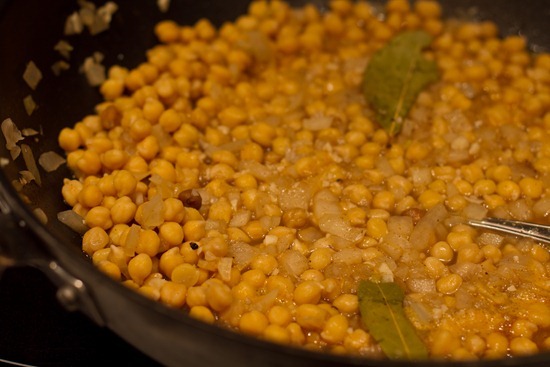
Here is a comparison of two non-edited photographs:
A) Normal nighttime ‘yellow’ lighting on the stove top:
B) Light Box shot:
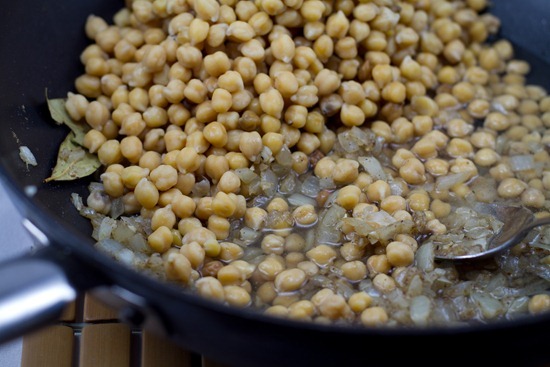
The difference is huge!
The light box shot looks more like natural light, whereas the first shot is very yellow and not pleasing to the eye.
I shoot in RAW format and I use Adobe Lightroom to edit my photos, so I wanted to show you what I can do to help improve the look of a bad photo with basic photo editing.
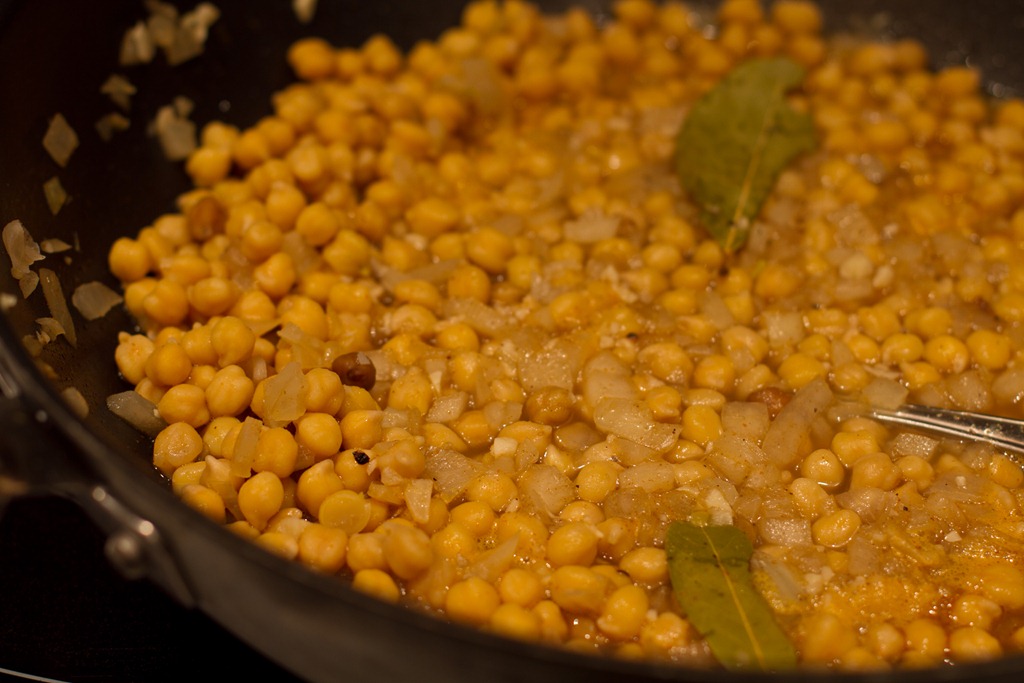
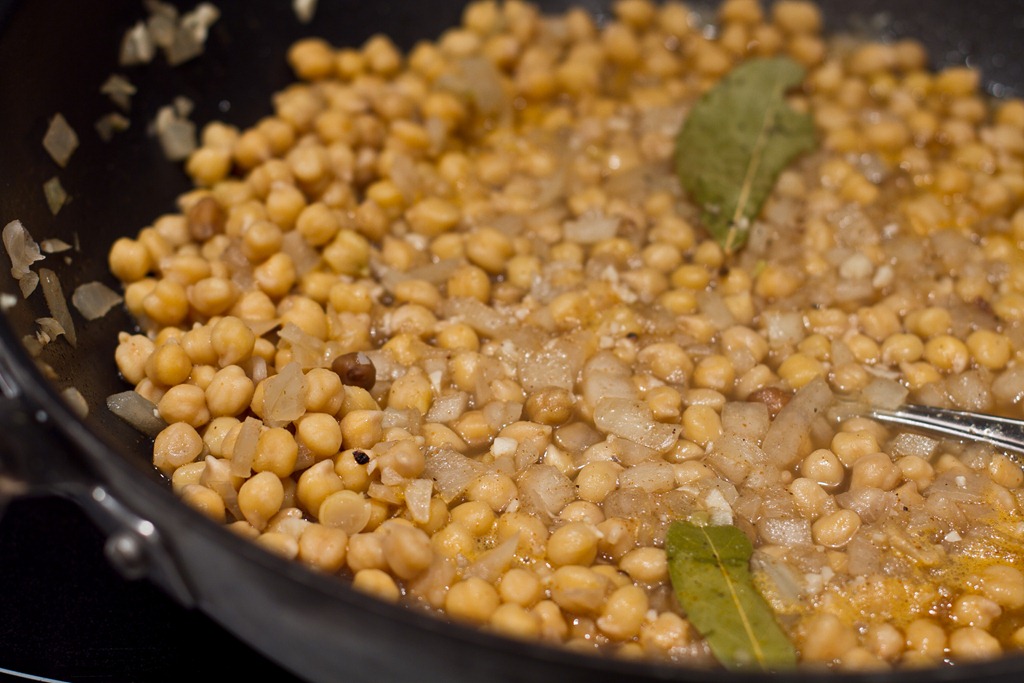
A) Night time yellow photograph, EDITED = I increased the exposure, brightness, clarity, and decreased the temperature (less yellow) to produce this:
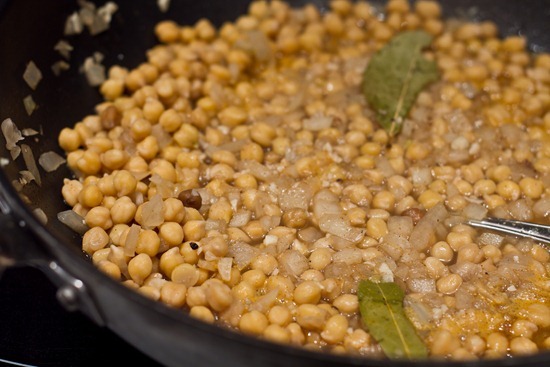
[I also usually white balance my photos, but I did not do this for these two.]
Side by side:
Before After
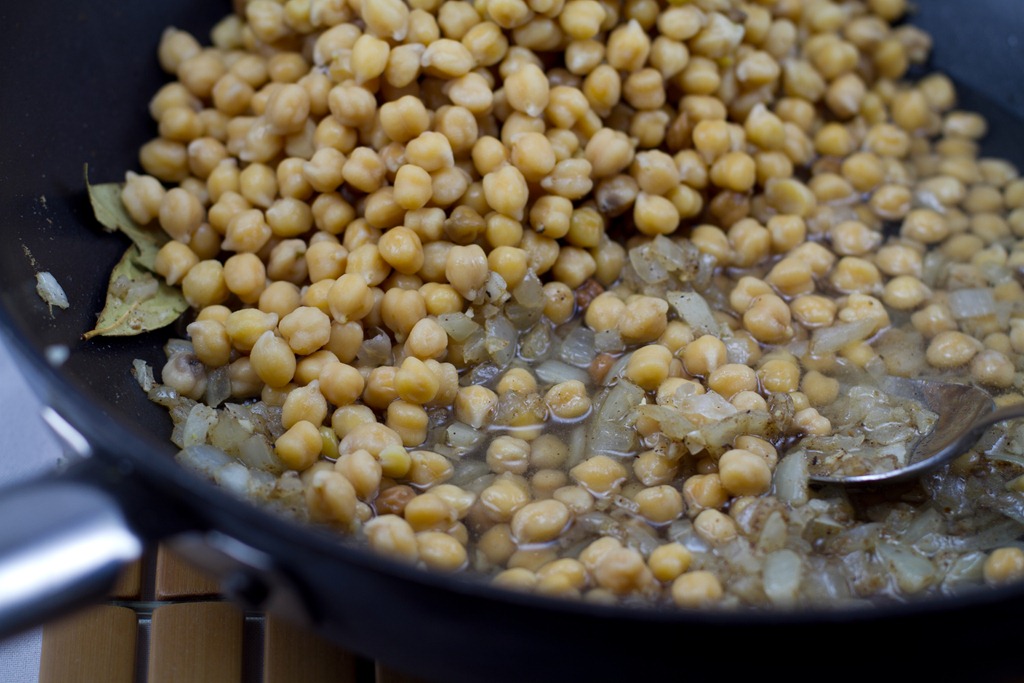
B) Light Box Shot = EDITED. I had to increase the temperature (yellow tone) because the light box creates a very blue, washed out tone.

Side by side:
Before After

Which one is better- when edited?
In my opinion, you can barely tell the difference when looking at a night time edited photo versus a light box edited photo. Is this normal or am I not maximizing the light box’s potential? What photo do you guys prefer?
All in all, I am glad that I have the light box to play around with. I think it is great for product photography (or cats!) and it is really fun to experiment with different backgrounds and props. The cost was not as cheap as we thought it would be- it was around $70 CAD for everything we purchased, but it was still not crazy expensive for such a professional result.
After shooting with the light box over the past week, I do not think that the light box can compare to natural daylight. In my opinion, nothing beats natural light and I will always chose natural light over the light box if I have the choice! With that being said, it is a good option for night time photography.
The biggest drawback of the light box is how much space it takes up. Right now we are housing it in our unused dining room, but I really am not sure how long I will keep it there.
CLEAR. AS. MUD. ?
So there you have it, my initial review of the homemade light box. I’m sure my thoughts will change as I play around with it more and learn some news tricks. I’m not sure if I am using it correctly or maximizing its potential, so feel free to chime in.





What a cool post! I love the shots of Sketchie looking fab ;) I think I would probably stick with the regular stovetop photos, but I do like the lightbox for Sketchie :)
The other thing about lightboxes is that sometimes having a background blurred out or with something pretty in it can add interest… and the lightbox eliminates that, you know? But it does create very professional looking photos!
I love your natural light shots. By your window, outside etc.. Sketchie is the most BEAUTIFUL CAT I have EVER SEEN!!
Oh Sketchie…. cats are so silly :) I loved seeing those teaser pictures of him in there on Twitter a while back haha :)
Love the idea and the tutorial. I’ve been thinking about building one for a while now and wasn’t sure what exactly it entailed. As always, you’re an inspiration.
By the way, I totally think Sketchie could be a cat model.
Love this post! I actually bought a light box (it was really inexpensive) but this is a great eco idea (wish I had thought of it!). I agree, the lighting helps make food look even better! Thanks for more great info – love this site!
Great idea on the light box!!
I showed this post to my husband – mostly to show him the adorable kitty you have.
Then he said “Can you bookmark this page? I want to make a light box.” Sweet!
Oh my! Sketchie is gorgeous!!! And the lightbox project is very cool. Thanks for sharing!
What kind of cat is Sketchie?
Also do you have a facebook page?
Thanks :)
He is a Bengal. Thank you :) Sorry no FB page!
i am enlisting my husband to build one of these! thanks for the handy tutorial.
ps – i am new to your blog and really enjoying it! i’ve been embarking on a healthier lifestyle and blogs like yours are great motivators and inspirations.
ps2 – your cat is adorable!! i have 2 cats and they are going to flip over the light box when we make it..
haha that’s cute :) Enjoy it!
You’ll need to adjust the white balance properly whether you do it “in-camera” or in Lightroom/Photoshop when adjusting the RAW image. However, the lightbox will allow you to shoot at much lower ISOs and faster shutterspeeds allowing for a much sharper picture with better detail and less image noise.
Overall, great idea and I think I’ve got most of this stuff around the house already! Thanks.
Oh, and you should be able to set up a Lightroom preset to match the bulbs that you’re using so that you don’t have to manually do it every time. Most “daylight” bulbs are stated at 3500K but run a tad cool (3300-3450).
Good to know! Any idea how I create this preset?
haha, I just posted the other day about how I had finally set up my light box as well – however, mine was not homemade and is about 2 times the size of the above – Talk about taking up space (so obnoxious)! It looks like a tent in my living room… However, I have to agree, daylight is MUCH better – this has been OK for shooting at night, but if I can, I still try to shoot before the sun sets (easier said than done). I’ve found that automatic white balance doesn’t work, and you’ll want to preset the camera to the tungsten bulb setting to even things out a bit – still will need to be edited, but much better than the auto.
In reference to your edited shots night vs cube, the cube has more clarity than the nighttime – The shutter works much more efficiently when there is more light, moves faster and creates a ‘crispness’ that nighttime photos sometimes lack.
PS – sketchie looks amazing in that light :)
It is definitely possible that someone has already suggested this in the barrage of comments, but have you tried using a more yellow light or even off-white or cream sheets instead of pure white? Might help cut the blue effect…
It’s possible that someone already answered this in the mass list of feedback, but how white balance did you shoot at when you shot with the light box? Tungsten/Incondescent?
looks like that yellow-ish shot was shot on daylight whitebalance under incondescent lighting?
im a white balance newbie actually…the only way I know how to white balance in lightroom is by pressing the ‘w’ key and clicking on something white. Can you shed some ‘light’ on the matter? lol
The light box is awesome! You got some great pics!!
But the cat stole the show!! What a beautiful cat!!!
Thanks for the simple steps to make the light box. This is exactly what I need to improve my closeups. Lighting is crucial as you know, and using a flash usually washes the colors out. There is a light box in my very near future.
Way cool, really clear instruction pics. Am implementing now.
I’m not sure if anyone suggested it, (and i’m just musing here) – the fabric’s purpose is to diffuse the light. White fabric, high white balance? Maybe a cream colored fabric instead? Or a mix? Cream from the sides white from the top? I’m going to experiment a bit. Totally concur with Karen re: white balance settings and adjusting histogram in PS, or even the simple editing capabilities in iPhoto. Word to the wise – keep a little notebook and jot down useful settings, since there are so many permutations – fabric, light intensity and on and on…
BTW re – Sketchie – Amazing fellow – what breed?
Thanks for the tips! Loved the post!
Angela,
Just wanted to thank you for the great tutorial on the light box. Not only were the instructions great, I love your entertaining & funny descriptions. It is quite amazing how much better things look in light box photos – those final photos of Sketchie are gorgeous – so thanks for making it doable.
Im glad you enjoyed it Karen! Thank you.
Hi quick question please! In the photos of the cat in the light box is that white posterboard in the background or is it more of the tablecloth? Also when you use posterboard for the background do you just gently place it… What if it’s something heavy? Seems like the board is supposed to curve. Anyway thanks! Nice tutorial.